Writing code is tricky enough. You shouldn’t have to spend hours improving its readability or worry about unnecessary typos causing build errors. Ranorex 6.0 now makes a ton new code editor enhancements available, which will help you quickly write clean and easily maintainable test scripts. Here’re 7 of the most fantastic time-saving features:
1. Code templates
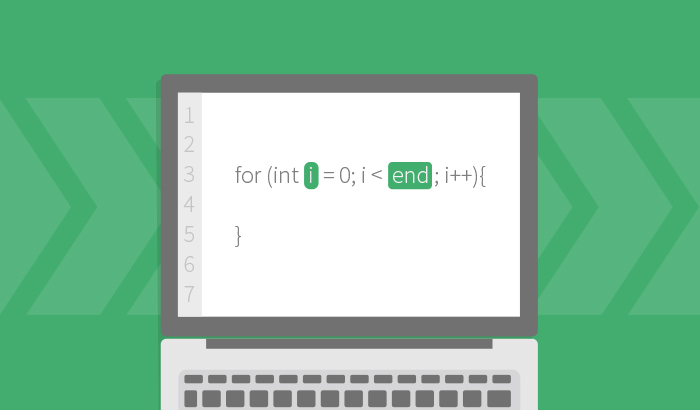
We all love the custom code templates in Ranorex Studio. Using the tab key, you can now access multiple predefined templates, such as the for/for each loop. Icing on the cake for all us coders!
2. Context specific actions
Improve your code structure with these amazing new context specific actions. Simply move newly created classes into specific files, or right click on the edit pencil to check for null or undefined variables. These are just a few examples – give it a try!
3. Refactoring
Wouldn’t it be great if you could replace complex code fragments with small, easily readable methods? The extract method enables you to group your fragments to methods. You can further give them a clear name that explains their purpose.
4. CamelCase search functionality
Find what you’re looking for faster with the CamelCase search functionality! CamelCase identifies the segments of compound words and uses the capital letters to list potential search results.
5. Auto insertion of using
Start saving time when using namespaces! Type in a class using the auto-complete functionality. Ranorex will then automatically add the specific using directive of the needed namespace.
6. Introduction of new methods
And yet another feature that will save you time: When calling an unknown method in code, you can now easily implement it with the context specific action ‘introduce method…’.
7. Switch on enum
This little feature comes in quite handy and enables you to write code faster. When typing a “switch” statement where the condition is an enum the cases are automatically prefilled.
These and many more fantastic features are available with Ranorex 6.0. Update your Ranorex Studio now (yes, it’s free!) and start coding!