One of the first questions to answer when evaluating a test automation tool is how well it can recognize and interact with UI objects in your application under test (AUT), called the application’s “automation capacity”.
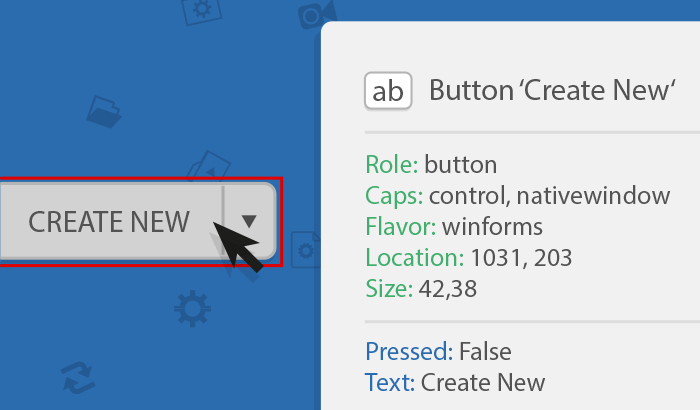
Follow the instructions in the video below to demonstrate how Ranorex Spy can identify UI objects in your AUT, as well as how much information can be extracted from these elements. Should you need help with object identification, refer to the troubleshooting section at the end of this article, which explains how to create snapshot files. Send these snapshot files to our team to get support with any object recognition issues.
Checking the automation capacity of your AUT
The following short video explains how to check the automation capacity of your AUT by analyzing the specific object identification on several UI elements.
If you encounter issues with Ranorex Spy recognizing specific UI elements or the whole AUT, please write down the details. Then, follow the troubleshooting instructions below to save a snapshot file. Send the snapshot file either to the sales or support team member currently assisting you or to [email protected] to get application-specific assistance from our team.
Troubleshooting: Producing a snapshot file
The following video explains in detail how to create a snapshot file.
Troubleshooting: Capturing invisible UI elements
Some UI elements (e.g. drop-down menus, pop-up windows, or combo boxes) become visible only after a mouse-click or disappear whenever the application loses focus. These elements sometimes do not form part of the object-tree of the application/website and so are missing from the snapshot.
There are two main ways to create a snapshot of this type of element:
1. Instant capture using <CTRL>+<Win>
2. Temporarily deactivate tracking using <F12>
Now it’s your turn!
Quickly download the free trial, and follow the instructions above. You’ll immediately see if you can test your application with Ranorex.