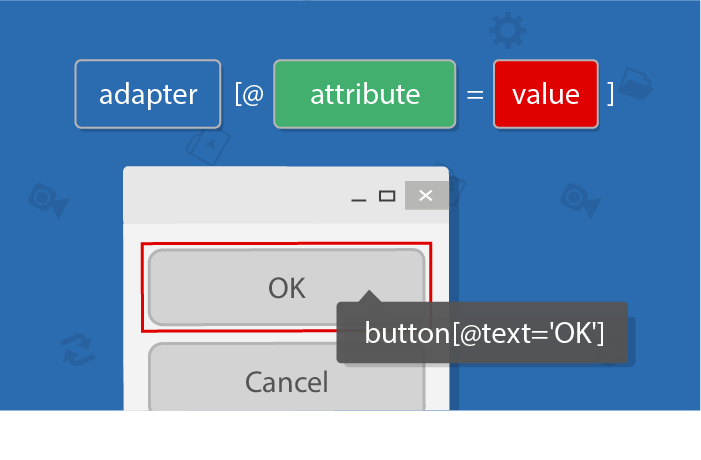
RanoreXPath: A Short Introduction
November 6, 2017
Learn more about the capabilities of the RanoreXPath, and how you can use it to uniquely identify UI elements of any desktop, web, or mobile application.

Learn more about the capabilities of the RanoreXPath, and how you can use it to uniquely identify UI elements of any desktop, web, or mobile application.
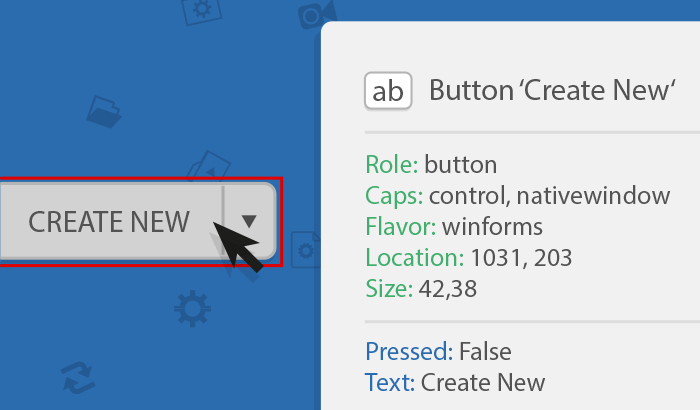
This short article explains how to check the automation capacity of your AUT by analyzing the specific object identification on several UI elements.

This article will demonstrate problems occurring when performing regression tests in CI environments and show how to resolve them using Ranorex Remote.

What are web testing approaches in Ranorex Studio? What’s changed in Ranorex 7.1? What are endpoints and how do they work? Find out more in this blog!

Learn how to easily create conditions directly in the Ranorex test suite without coding and reduce maintenance effort due to conditional branching.

Find answers to questions asked during the Ranorex 7.0 Webinar & get inside knowledge about the Selenium WebDriver integration, WPF plugin and JUnit report.

Learn about the requirements agile testing should meet based on 5 basic principles, and see how you and your team will benefit from using Ranorex Studio.
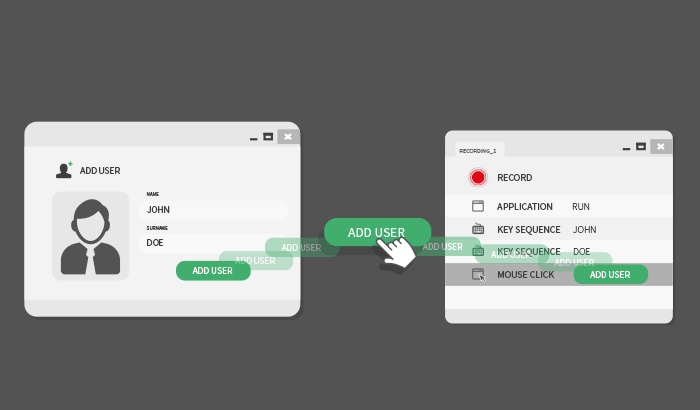
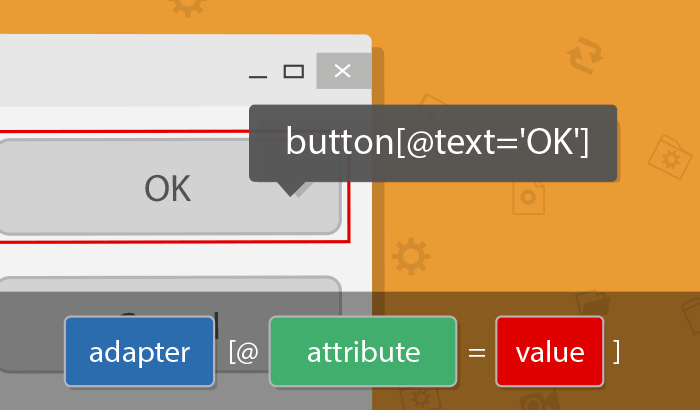
The RanoreXPath enables you to find and uniquely identify every single UI element of desktop, web and mobile applications. You can use the RanoreXPath operators to make your test suite more robust and identify even dynamic attribute values